

Connect Goodie to Claude, ChatGPT, Cursor, and the rest of your AI stack. Ask questions about your brand’s AI search performance in plain English — without switching tabs or exporting a single report.


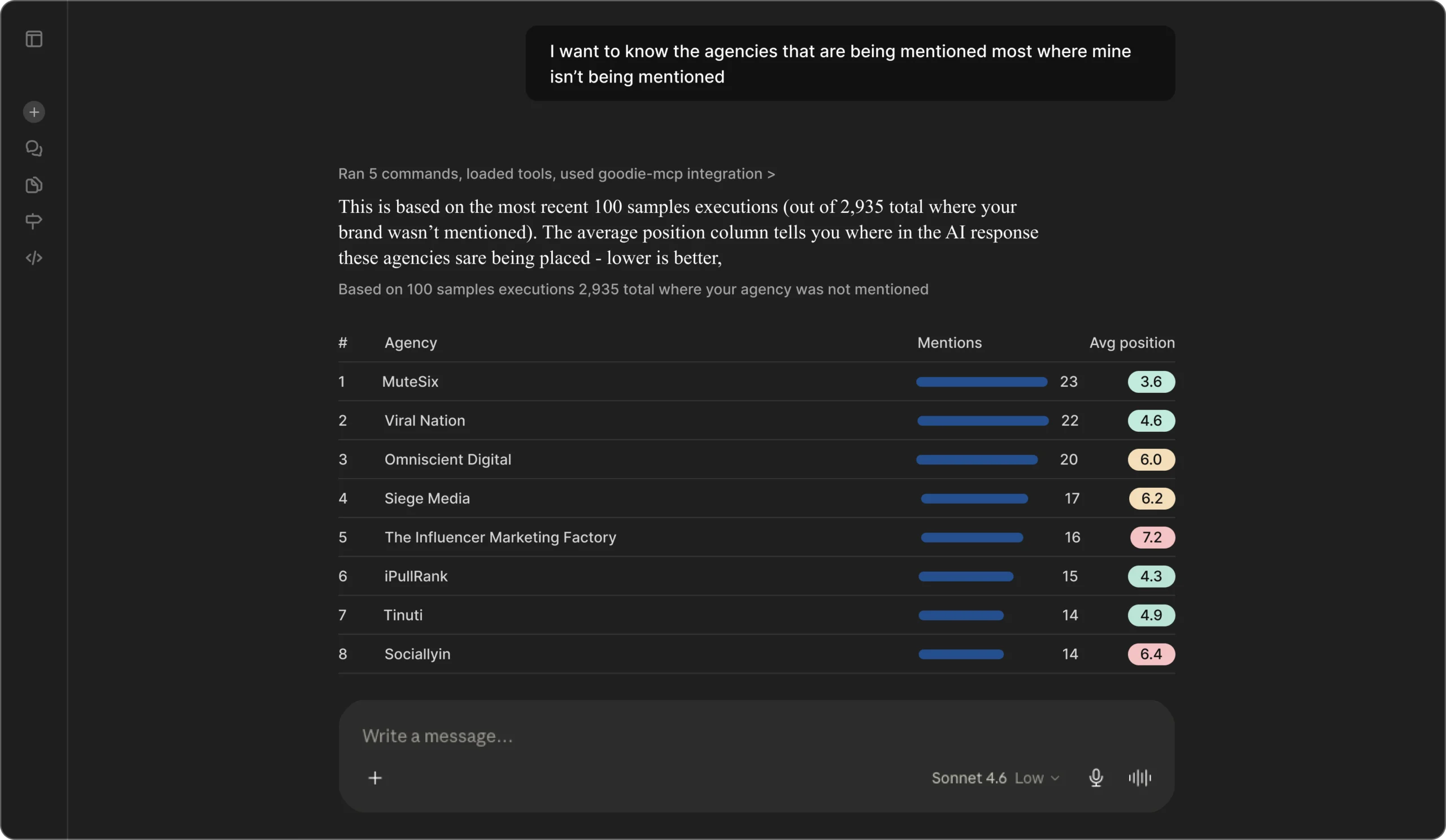
Ask instead of export
Work across your entire AI stack
Access everything Goodie knows about your business
How it works
How to Connect Goodie to Your AI Stack

01
Connect once
Link Claude, ChatGPT, Cursor, or any other MCP-compatible tool to your Goodie account in seconds to supercharge your AEO program.
02
Ask in plain English
Skip the dashboard. Ask your AI tool directly: "What's my visibility score on Perplexity this week?" or "Which competitor is winning citations for 'best CRM software'?"
03
Get a real-time answer
Goodie retrieves and formats your data instantly, pulling from visibility scores, prompt research, agents and crawl insights, your current optimization action list, and attribution, all without leaving your existing model workflow. MCP is built for lookup and reporting, so when you're ready to act on a recommendation, you'll do that inside Goodie itself.
Tracking all major AI models:


FAQ Questions?
Questions?
We have
the answers.
It connects any MCP-compatible AI tool directly to your Goodie account: brand visibility scores, competitive tracking, prompt research, crawl data, optimization actions, and attribution. Ask questions in plain English and get real-time answers without leaving your workflow.
Any MCP-compatible tool: Claude, ChatGPT, Cursor and more. If your tool supports MCP, Goodie connects to it.
Under five minutes. Copy your MCP server URL, paste it into your AI tool, and authorize with your Goodie account. No engineering required.
All connections use OAuth — you only access data your Goodie account already permits. Goodie is SOC 2 compliant.